Know what’s happening now
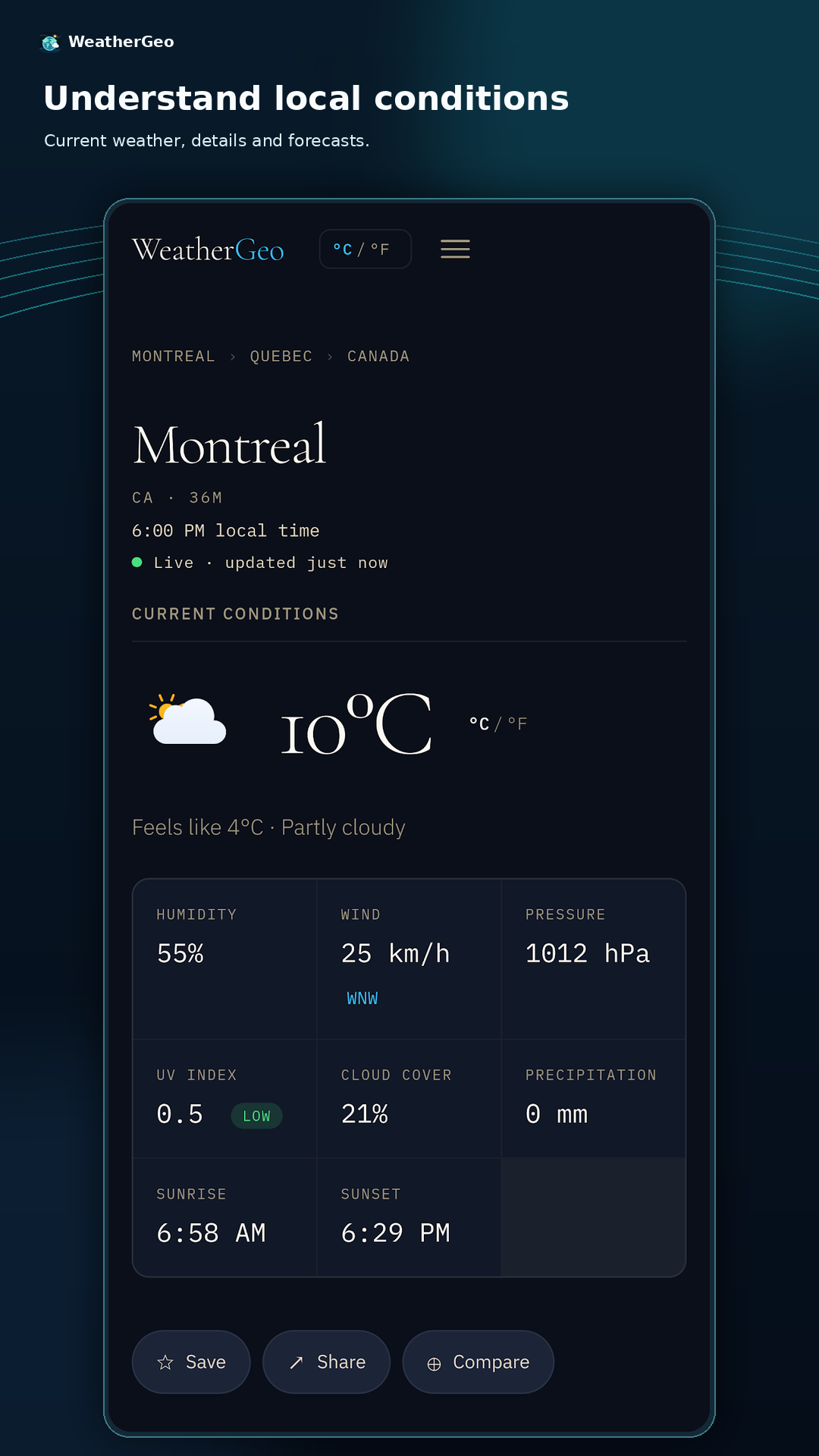
See temperature, feels-like conditions, wind, humidity, pressure, UV, precipitation, sunrise, and sunset.
WEATHERGEO FOR ANDROID
Explore current conditions, forecasts, precipitation radar, and climate context for cities around the world. Add a WeatherGeo widget for the city you choose.
GET IT ONGoogle PlayFree to download · No account required · Location is optional
A CLEAR VIEW OF THE WEATHER
See temperature, feels-like conditions, wind, humidity, pressure, UV, precipitation, sunrise, and sunset.
Check multi-day forecasts and explore precipitation on WeatherGeo’s interactive maps.
Search cities, browse the globe, review climate profiles, and compare weather side by side.
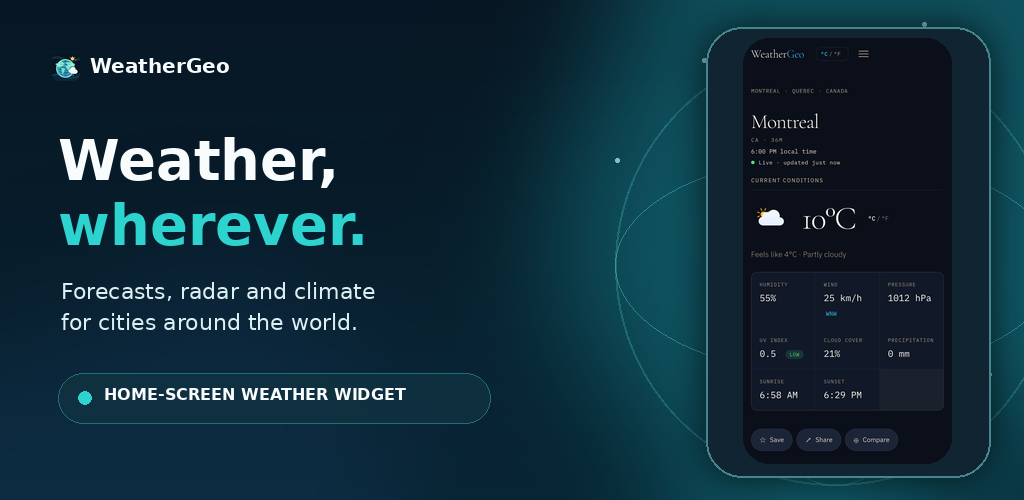
Choose a city and units once. The widget shows current conditions and daily highs and lows, with the last update saved on your device for offline viewing.
MADE FOR YOUR ROUTINE
Search for a city whenever you need it, or allow foreground location to look up nearby weather. The widget uses the saved city you select and does not need background location.
Explore London weatherGOOD TO KNOW
No. Search for a city directly. Location access is optional and is used only when you choose nearby weather.
No. During setup, choose the city and temperature unit the widget should use.
The widget keeps the last successful weather response on the device so it can show that update without a connection.